Home › Devices › iriver › iriver H10
 CUSTOM FW!
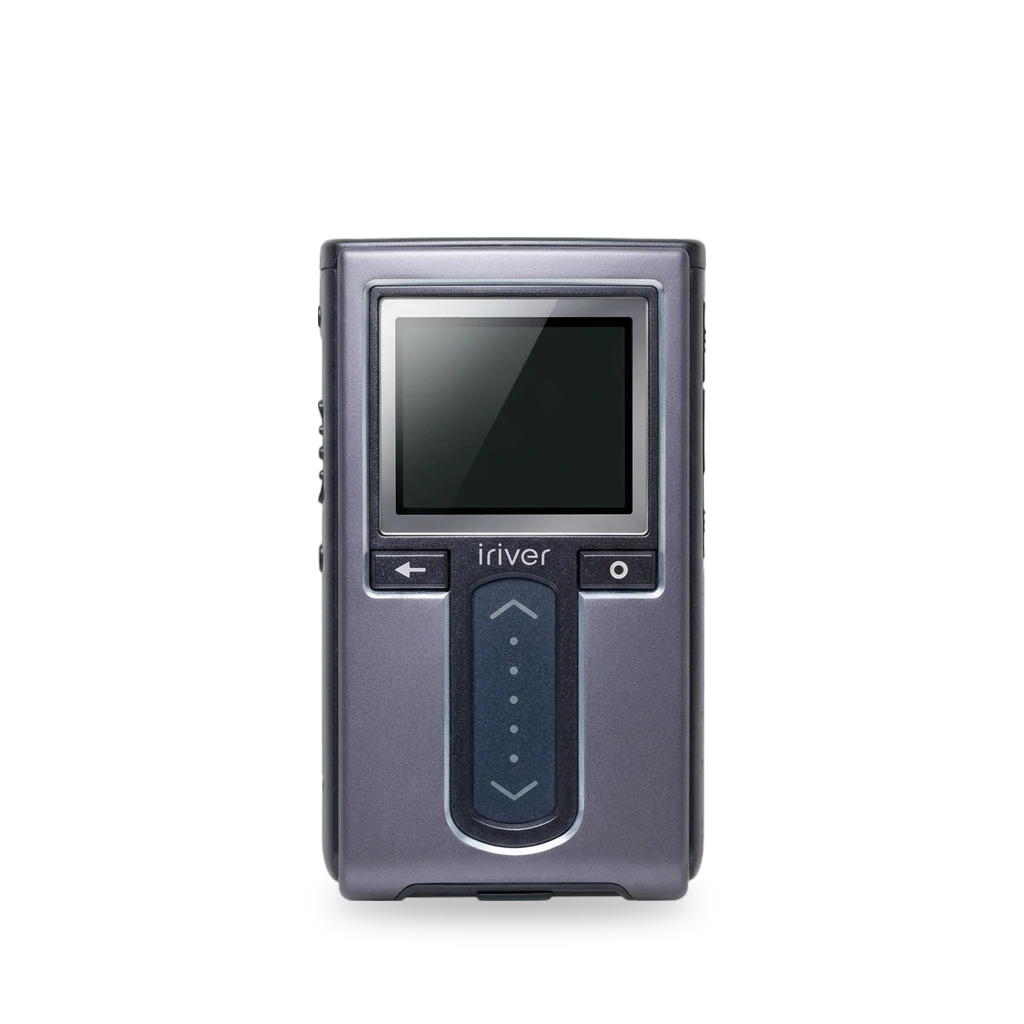
Photo: Yarl, CC BY-SA 3.0 · AI-edited (studio background)

IRIVER · MUSIC PLAYER · 2005
iriver H10
Also called: iRiver H10 · H10 5GB · H10 6GB · H10 20GB · H10 Pure
Hard-drive music player in 5/6 GB Microdrive and 20 GB versions. Rockbox is the main mod, with different bootloader files per capacity and UMS/MTP. The 5/6 GB pack is removable; the 20 GB battery is not. One source claims the 20 GB can take a 120 GB Toshiba drive; it is unconfirmed.[5][1][2]
Which one do I have?
| Model | Variant | Year | How to tell |
|---|---|---|---|
| H10 | 5 GB / 6 GB Microdrive | 2005 | Removable battery. Smaller body than the 20 GB. MTP in North America; UMS in Asia/Europe. Rockbox: H10.mi4 (UMS) or H10_5GB-MTP build.[1][2][5] |
| H10 | 20 GB | 2005 | Larger/heavier body, non-removable battery, MTP only. Rockbox bootloader H10_20GC.mi4.[1][2][5] |
| H10 Pure | No FM radio | — | Pure models may use Rockbox file H10EMP.mi4 instead of the standard names.[5] |
Specs
Mods (2)
⚠ Mod at your own risk. We collect what others have published; we have not tested these mods. Read the safety notes
Rockbox custom firmwareWorks
- ⚠ Can brick A mistake can leave the device unable to start.
- ⚠ Data loss Can erase what is on the device. Back up first.
Official Rockbox bootloader install. Copy the model-specific .mi4 into System as OF.mi4 over UMS (use the UMS trick on MTP units).[5][6][1]
Good to know
- 20 GB uses H10_20GC.mi4; 5/6 GB uses H10.mi4 (UMS) or the MTP build under H10_5GB-MTP; Pure may use H10EMP.mi4. Rename to OF.mi4 in the System folder.[5]
- Connect in UMS mode, using the UMS trick if needed. Keep a backup of the original file to restore stock firmware.[5]
- Stock firmware does not play Ogg Vorbis; Rockbox does.[1]
⚠ Watch out
Guides:h10_install.tex (Rockbox manual)EasyH10 - Does my H10 player have UMS or MTP firmware?
Larger hard drive (20 GB → 120 GB claim)Experimental
- ⚠ Data loss Can erase what is on the device. Back up first.
The 20 GB model can reportedly take a Toshiba MK1214GAH 120 GB drive. This comes from a single source and is unconfirmed.[1]
Parts
- Toshiba MK1214GAH (120 GB) Fits with conditions — Claimed for the 20 GB H10 only; single source, not confirmed elsewhere.[1]
Good to know
- The 20 GB version can reportedly be upgraded to 120 GB by replacing the hard drive with a Toshiba MK1214GAH.[1]
- The 5/6 GB Microdrive does not use a standard CompactFlash II interface.[1]
⚠ Watch out
- Only one source mentions this fit. Treat as unverified.[1]
Guides:No guide found yet.
Buttons & modes
Sources (6)
- wiki iRiver H10 series - Wikipedia · 2026-11-17
- news iriver Debuts H10 Family of Portable Music Players – Synthtopia · 2026-11-17
- docs iriver Multi-Codec Jukebox H10 Partial Teardown - iFixit · 2026-11-17
- news A teardown of iRiver's H10 5 GByte MP3 player | Tom's Hardware · 2026-11-17
- official h10_install.tex (Rockbox manual) · 2026-11-17
- docs EasyH10 - Does my H10 player have UMS or MTP firmware? · 2026-11-17