Home › Devices › Motorola › Motorola Moto X (2014)
 NEW!
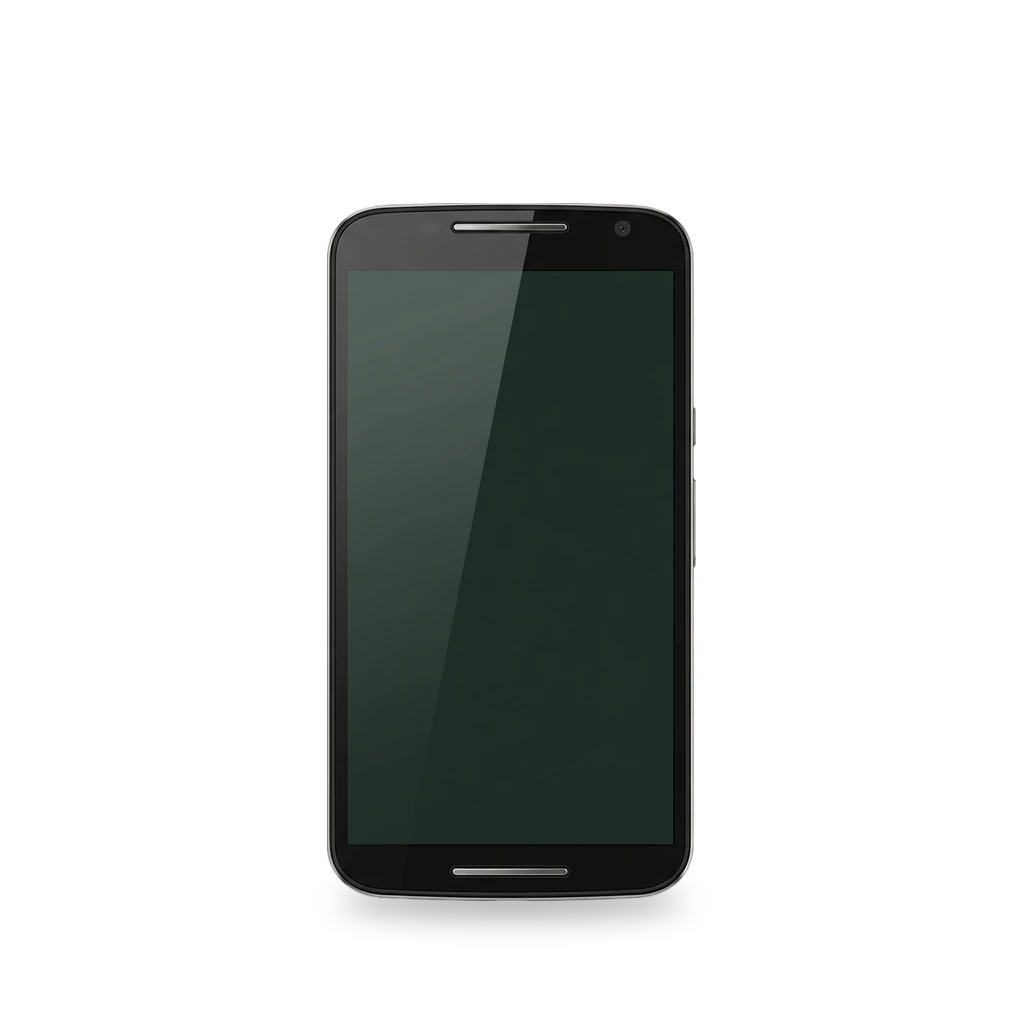
Photo: Julianprescott2604juuly, CC BY-SA 4.0 · AI-edited (studio background)

MOTOROLA · PHONE · 2014
Motorola Moto X (2014)
Also called: Moto X 2nd generation · Moto X 2014 · victara · XT1092 · XT1095 · XT1096 · XT1097
2014 Moto X (codename victara). Unlock the bootloader, flash TWRP, then LineageOS 18.1 (official builds no longer maintained). Hardware work covers battery, screen, back cover, and power/volume flex.[1][2][6][15][16]
Which one do I have?
| Model | Variant | Year | How to tell |
|---|---|---|---|
| XT1092 | Europe / Asia SIM unlocked | 2014 | Codename victara. LineageOS lists XT1092–XT1098; model must match exactly.[1][2][12] |
| XT1093 | U.S. Cellular | 2014 | [1][12][19] |
| XT1094 | Republic Wireless | 2014 | [1][12] |
| XT1095 | GSM unlocked Pure Edition | 2014 | [1][12][19] |
| XT1096 | Verizon | 2014 | Verizon 2014 Moto X. In 2016 Motorola allowed bootloader unlocks for this Verizon model.[1][12][10][11] |
| XT1097 | AT&T and others | 2014 | [1][12][19][20] |
| XT1098 | Listed by LineageOS | 2014 | LineageOS lists XT1098 as supported.[1][2] |
Specs
Mods (7)
⚠ Mod at your own risk. We collect what others have published; we have not tested these mods. Read the safety notes
TWRP custom recoveryWorks
- ⚠ Can brick A mistake can leave the device unable to start.
- ⚠ Data loss Can erase what is on the device. Back up first.
Flash Team Win Recovery Project with fastboot after unlocking the bootloader. Official victara page lists support as Current.[6][20][7][2]
Good to know
- Codename is victara. Official TWRP support status is Current; maintainer is listed as None.[6]
- Install with fastboot: flash the recovery image (rename to twrp.img, then fastboot flash recovery twrp.img).[6]
- The bootloader must be unlocked before installing a custom recovery.[20][2]
- Stock ROM may replace TWRP on first boot; patch recovery again right after reboot if that happens.[6]
- TWRP is a custom touch recovery for backups, wipes, and flashing custom packages.[7]
Guides:Motorola Moto X 2014How to install TWRP Recovery on Motorola Moto X XT1097 (2014)
LineageOSDiscontinued
- ⚠ Can brick A mistake can leave the device unable to start.
- ⚠ Data loss Can erase what is on the device. Back up first.
Official LineageOS for victara reached 18.1 (Android 11) and is no longer maintained. Install guide still covers unlock, recovery, and sideload for 18.1; you can also build privately.[1][2][3][4][9][8][5]
Good to know
- The Motorola Moto X (2014) is no longer maintained by LineageOS. Previously supported versions include 14.1, 16.0, 17.1, and 18.1 (Android 11).[1][8]
- Supported model numbers are XT1092 through XT1098; the number must match exactly.[1][2]
- Unlock the bootloader through Motorola’s portal, flash recovery with fastboot, then sideload the LineageOS zip.[2]
- Google Apps add-ons must be flashed before the first LineageOS boot.[2]
- LineageOS does not support rooting methods.[2][5]
- A private 18.1 build needs about 32 GB RAM and 300 GB disk; the reader assumes all risk.[3]
⚠ Watch out
Replace the batteryWorks
- ⚠ Lithium battery Uses or touches a lithium cell. A damaged cell can catch fire.
Open the glued back cover and middle housing to swap the non-removable ~2300 mAh pack. Watch the NFC coil under the battery.[15][1][13]
Special tools: Torx screwdriver (T3 or T4), opening picks
Parts
- Motorola Moto X (2nd Gen) Battery Fits — iFixit lists a genuine 2nd-gen battery part with the battery guide.[15] Buy: ifixit.com
Good to know
- The battery can be replaced with standard tools; no specialized skills are required per the guide.[15]
- The NFC coil under the battery can tear if you are not careful.[15]
- Capacity is about 2300 mAh and the pack is non-removable without opening the phone.[1][13]
⚠ Watch out
Replace the screenWorks
- ⚠ Lithium battery Uses or touches a lithium cell. A damaged cell can catch fire.
Pry the glued back, remove many Torx screws, and swap the front assembly. Buy a screen with bezel; move the speaker grills across.[16]
Special tools: Torx screwdriver, opening picks, heat source
Parts
- Moto X (2nd Gen) Screen Fits — Prefer a screen that includes the bezel; separating LCD from bezel is difficult even with heat.[16] Buy: ifixit.com
Good to know
Replace the back coverWorks
Open a gap at the SIM tray, cut the adhesive under the cover, and swap the shell. Move the logo ring if the new cover has none.[17]
Special tools: SIM eject tool, opening pick
Good to know
- Use the eject pin in the SIM tray hole, then push the back cover to open a gap.[17]
- Slide a pick to cut the adhesive sticker under the back cover.[17]
Guides:Motorola Moto X 2nd Generation Back Cover Replacement
Replace power and volume flexWorks
- ⚠ Lithium battery Uses or touches a lithium cell. A damaged cell can catch fire.
Open the phone, remove the side-button bracket, and swap the power/volume flex cable.[18]
Special tools: Torx screwdriver (T3 or T4)
Good to know
- Remove the securing bracket and side buttons, then release the power flex connector from the connecting flex.[18]
- A European unit comment reports T4 Torx instead of the guide’s T3 list.[18]
Guides:Motorola Moto X 2nd Generation Power and Volume flex cable Replacement
Replace the microUSB charging portExperimental
- ⚠ Soldering Needs a soldering iron. Heat can lift pads and burn skin.
- ⚠ Can brick A mistake can leave the device unable to start.
- ⚠ Permanent change Cuts, drills or glues the device. You cannot undo it.
The microUSB port is soldered to the board. Only a forum answer describes the repair.[19]
Good to know
- The charging port is soldered to the board and needs good tools and skills to replace.[19]
Guides:No guide found yet.
Sources (20)
- official Info about victara | LineageOS Wiki · 2026-11-16
- official Install LineageOS on victara | LineageOS Wiki · 2026-11-16
- official Build for victara | LineageOS Wiki · 2026-11-16
- official Update LineageOS on victara | LineageOS Wiki · 2026-11-16
- official Frequently Asked Questions | LineageOS Wiki · 2026-11-15
- official Motorola Moto X 2014 · 2026-11-16
- official What is TWRP? · 2026-11-15
- blog CustomRomBay.org - victara · 2026-11-16
- news LineageOS 18.1 based on Android 11 is here for nearly 60 devices · 2026-11-16
- news Verizon Moto X (2014) users can now unlock their device's bootloader · 2026-11-16
- news Motorola enables bootloader unlocks for the Verizon Moto X (2014) · 2026-11-16
- wiki Moto X (2nd generation) - Wikipedia · 2026-11-16
- news Motorola Moto X (2014) review · 2026-11-16
- docs Motorola Moto X (2nd Gen) Specifications · 2026-11-16
- docs Motorola Moto X 2nd Generation Battery Replacement · 2026-11-16
- docs Motorola Moto X 2nd Generation Screen Replacement · 2026-11-16
- docs Motorola Moto X 2nd Generation Back Cover Replacement · 2026-11-16
- docs Motorola Moto X 2nd Generation Power and Volume flex cable Replacement · 2026-11-16
- forum How do I repair the micro usb charging port · 2026-11-16
- docs How to install TWRP Recovery on Motorola Moto X XT1097 (2014) · 2026-11-16